Built-In database
Squid's applications are equipped with a built-in NoSQL database connector. This connector is used by default when no connector ID is provided.
This database is available for you to get started using Squid quickly without connecting an external database. It can be used alongside other connectors or as a standalone database depending on your use case and requirements.
Since the database is NoSQL, any collection you access will be created automatically if it does not already exist.
Accessing the database
To access the database, simply use the Squid Client SDK to query or mutate the database.
const usersCollection = squid.collection<User>('users');
const users = await usersCollection.query().snapshot();
await usersCollection.doc('new_user_id').insert({ name: 'John Doe' });
Note that there was no need to specify the connector ID when accessing the database since this is the default connector.
Defining the schema
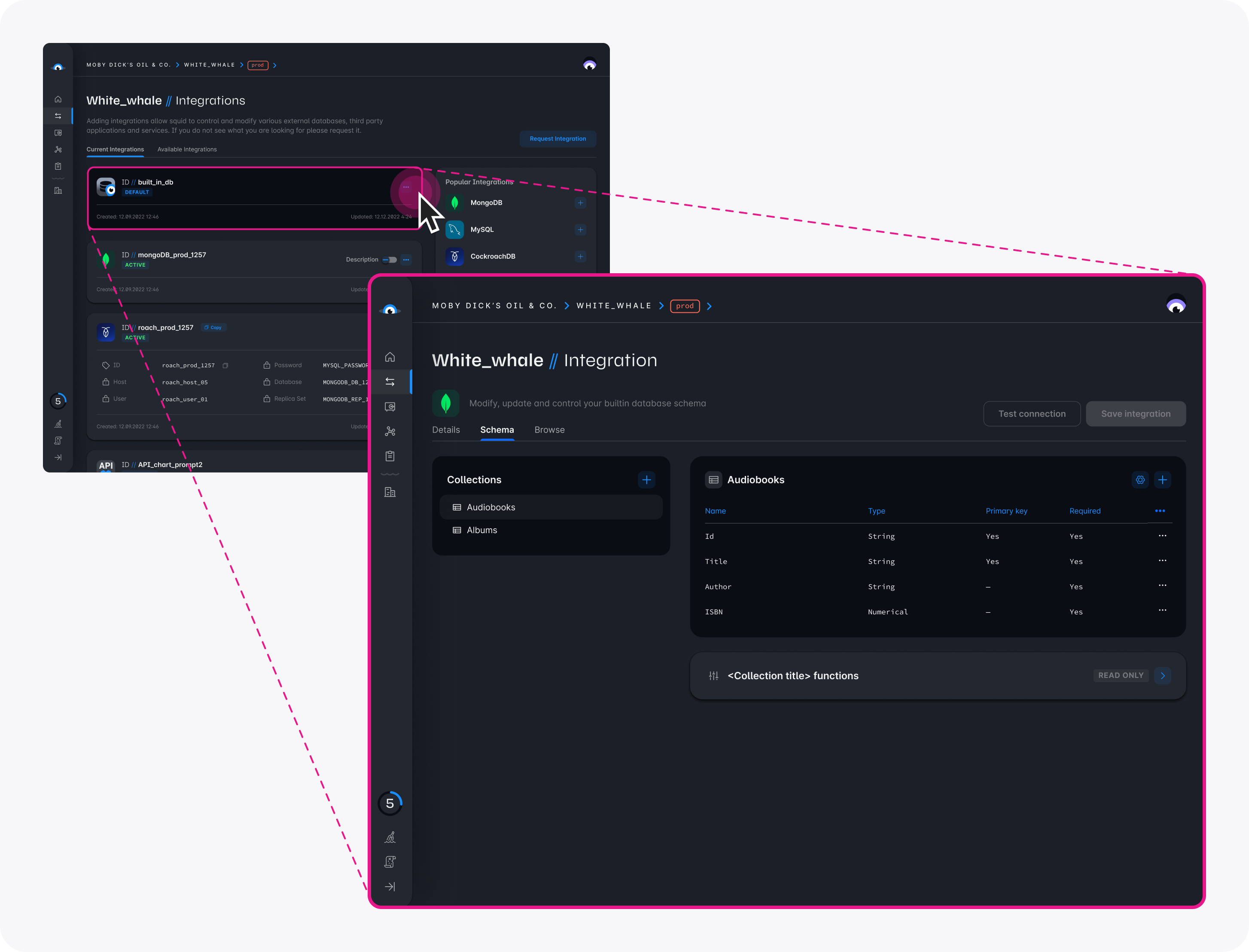
Like any other connector, you have the ability to define the schema of the database. The schema describes your data for queries, agents, and the Console; Squid does not validate inserted or updated data against it.
Next Steps
To learn how to work with data in Squid, view the Client SDK documentation.