Cognito
Squid seamlessly integrates with Cognito to authorize user actions like querying and updating data, calling executables, etc.
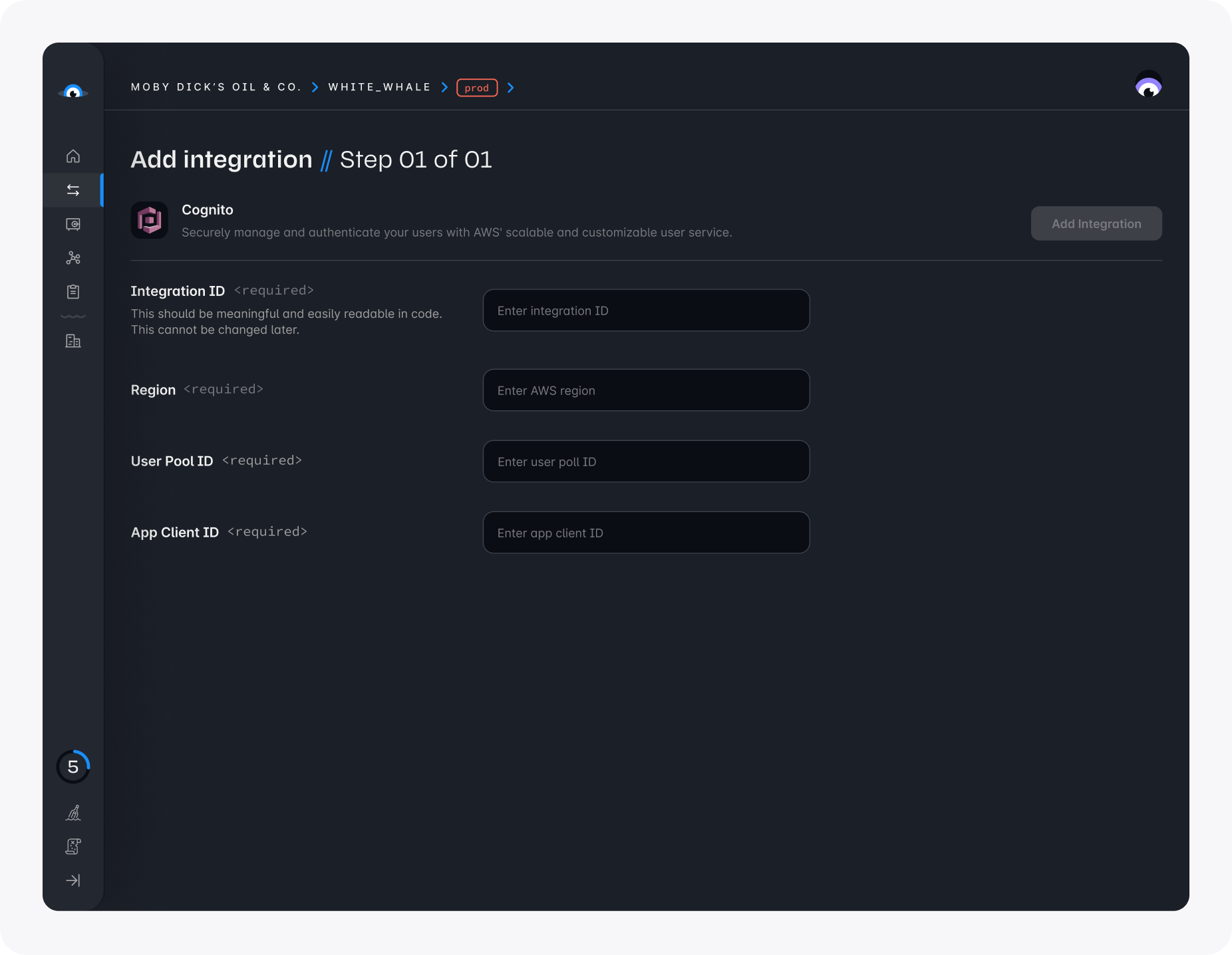
To configure this integration, you'll need to provide the following information:
- Integration ID - You can select an ID of your choice, but it's better to keep it brief and meaningful
- Region - Your AWS region, such as
us-east-1 - User Pool ID - The unique ID of your Cognito user pool
- App Client ID - The ID of the app client in your Cognito user pool
Using the integration
Once you've created an integration, you can use the Squid Client SDK to pass either the Cognito Access token or Cognito access token to Squid:
Client code
import { Auth } from 'aws-amplify';

// This will also support the accessToken.
squid.setAuthProvider({
  integrationId: 'COGNITO_INTEGRATION_ID',
  getToken: async () => {
    const session = await Auth.currentSession();
    return session.getAccessToken().getJwtToken();
  },
});
Once the token is passed to the client, Squid will automatically populate the user's authentication information for use in your backend functions:
Backend code
@secureCollection('users', 'read')
secureUsersRead(context: QueryContext<User>): boolean {
  const userAuth = this.getUserAuth();
}