Build on Squid with Claude Code
Claude Code is Anthropic's AI coding agent that works directly in your terminal. When combined with Squid, it becomes a powerful pair — Claude understands your codebase while Squid handles the backend infrastructure, database, and AI agent layer.
This guide assumes you have already initialized a frontend and backend project from the Squid Console. That project includes Claude Code skills out of the box.
Working with Claude on a Squid Project
Open Claude Code
From your project root, launch Claude Code:
claude
Claude will index your project and the bundled skills will be available immediately.
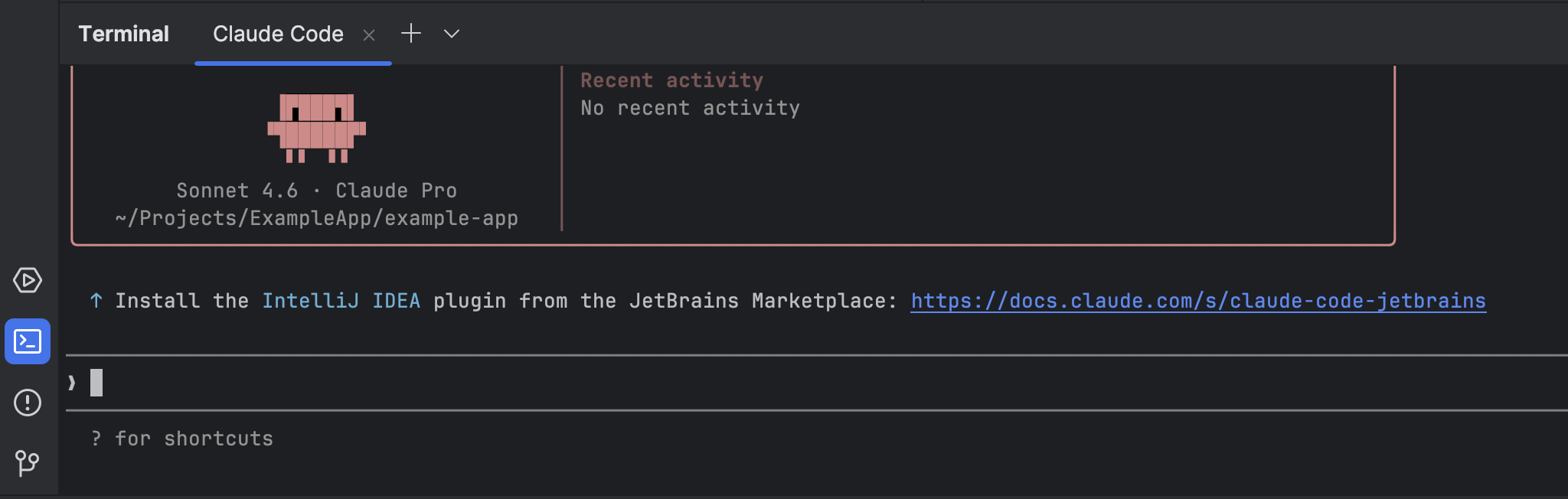
Claude Code in IntelliJ
Claude Code also works directly inside your IDE. Install the Claude Code IntelliJ plugin to use it without leaving your editor.
Use built-in skills
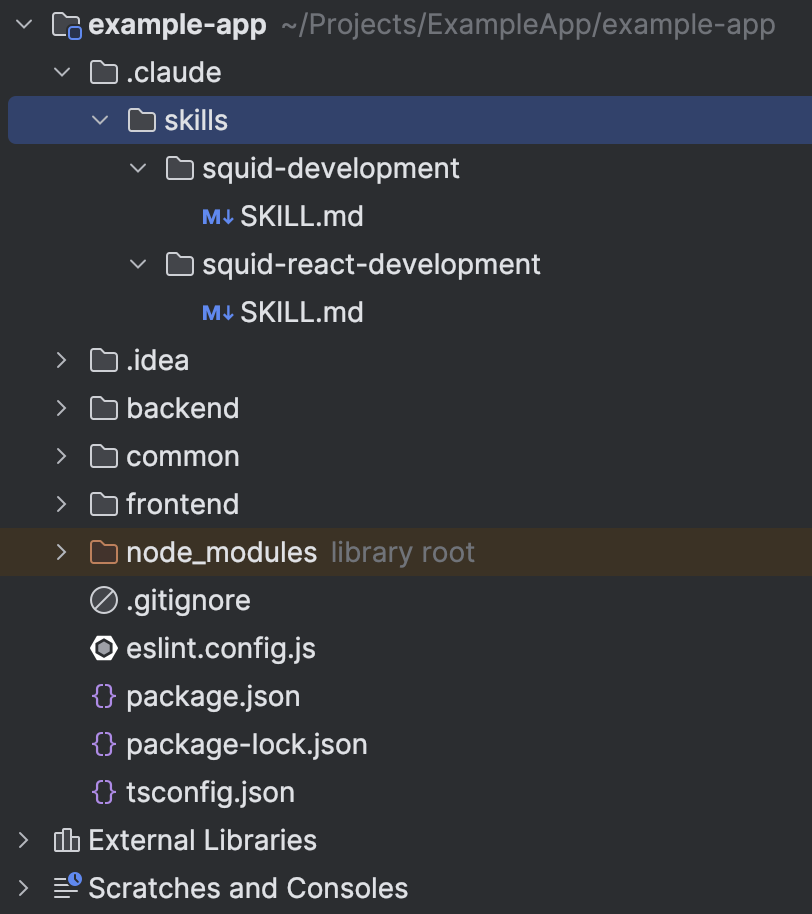
The generated project includes Claude Code skills located in .claude/skills/ at the project root. These skills provide Claude with detailed, structured knowledge about how to develop on Squid using its built-in features. Type /skills in the Claude Code prompt to see available skills. They cover:
- Squid Backend SDK patterns (executables, schedulers, triggers, webhooks)
- Squid Client SDK usage (real-time queries, mutations, auth)
- Security rules and RBAC
- AI agent and connector configuration
Ask Claude to build features
With your project open in Claude Code, you can describe what you want in plain English:
- "Add a backend executable that fetches all users from the built-in database and returns them sorted by creation date."
- "Create a React component that subscribes to real-time updates from the
orderscollection." - "Update the
statusfield on a document in thecustomerscollection when an order is completed."
Claude understands the Squid SDK conventions and will generate code that works with the @squidcloud/backend and @squidcloud/client packages.
Iterate quickly
Run your backend and frontend in separate terminals while Claude Code is open:
# Terminal 1 — backend
cd backend && squid start

# Terminal 2 — frontend
cd frontend && npm run dev
Ask Claude to make changes, watch them reload live, and describe what to fix or extend next.
Tips for Best Results
Give Claude the full picture. When asking for a feature, mention which collection or connector is involved and whether you need both a backend and frontend change. For example: "Add an executable in the backend that reads from the invoices collection (MongoDB connector named crm), and call it from the React dashboard page."
Paste error messages directly. If squid start or npm run dev prints an error, paste it into Claude Code. Claude can read your source files and fix the root cause.
Reference Squid docs. Claude Code can fetch documentation from the web. Ask it to check the Squid Backend SDK docs or Client SDK docs when you need the latest API details.
Next Steps
- Backend SDK Overview — Executables, schedulers, AI functions, and more
- Client SDK Overview — Real-time data, auth, and client-side patterns
- Agent Studio — Build AI agents with zero code in the Squid Console